Guide · 7 minute read
How to Start a Faceless YouTube Channel with AI
A faceless channel is one where the story is on screen and you are not. It needs no camera and no studio - but it does need a niche, a recognisable format and a schedule you can keep. Here is the whole path, step by step.
1. Choose a niche you can make fifty videos about
The first video is easy. The fortieth is where channels stop. Before you make anything, write down thirty titles in your niche. If the list comes easily - history's strangest events, how money really works, science explained simply, calm stories for sleep, countries and borders - the niche can carry a channel. If you are stuck at ten, narrow it or change it.
2. Choose one format and keep it
Viewers subscribe to a look as much as to a subject. Pick the format that fits what you are telling and stay with it:
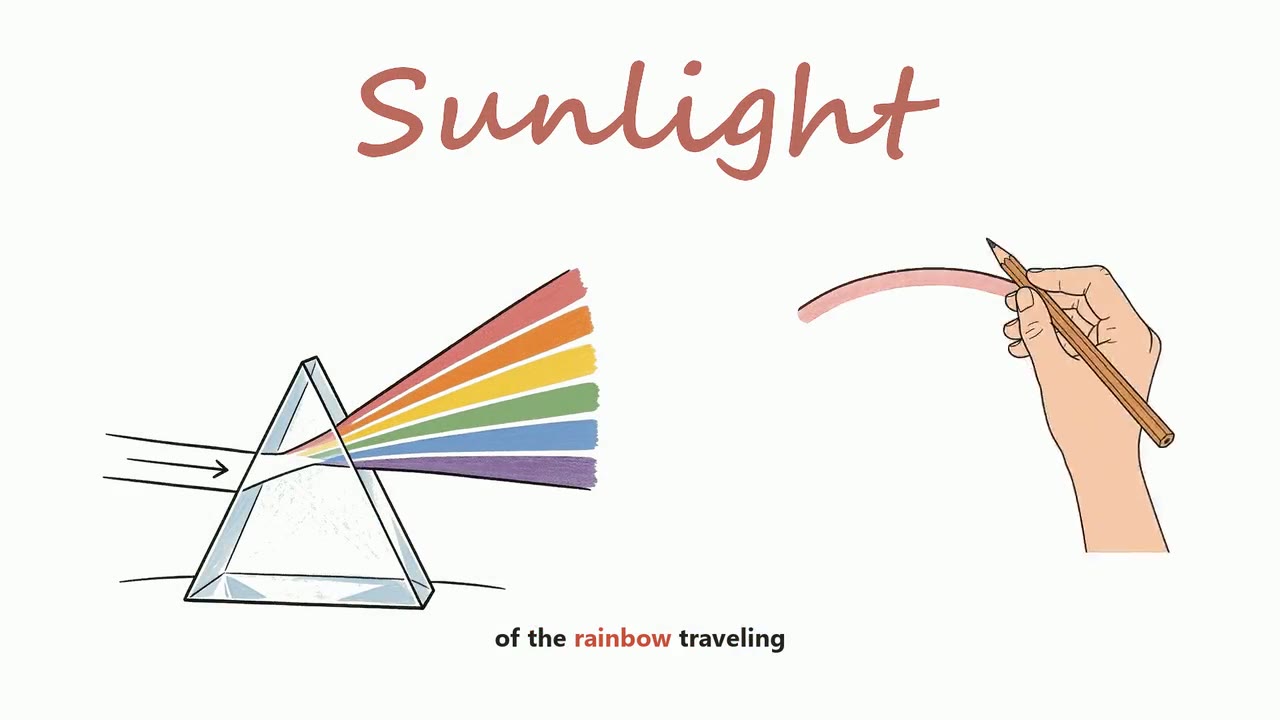
- Explaining how something works - Whiteboard Animation, 2D Stickman Animation or Cartoon Doodle.
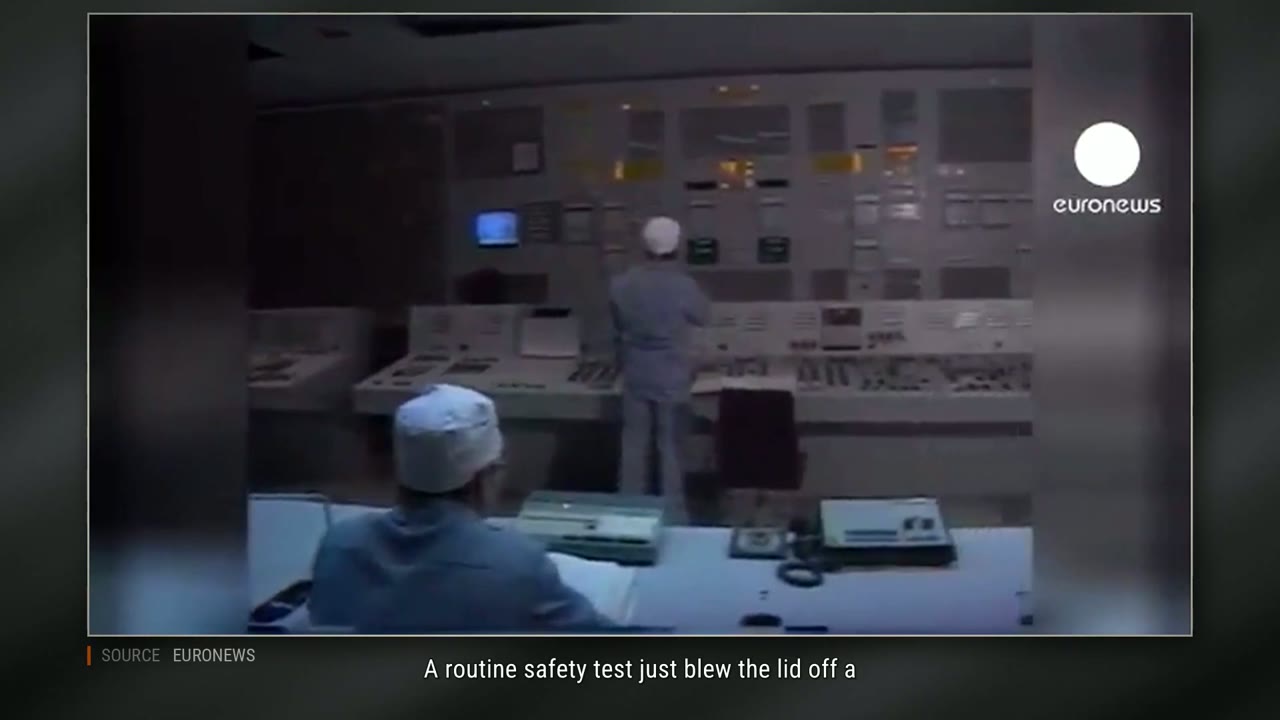
- History and true stories - a Documentary with real footage, a Stock Footage Documentary, or a 3D Mannequin Documentary.
- Relaxation - a Sleep Story, which can run for two hours.
- Shorts - AI Video or 2D Map Animation.
3. Write for the first fifteen seconds
Most viewers decide in the opening lines. Start with the question or the stake - what happened, what is at risk, what they will know at the end - and only then give the background. After that, keep to one idea a sentence. Short sentences are easier to narrate, easier to illustrate and easier to follow.
If you are telling a true story, name real people, places and dates: a format that looks for real footage finds it by what each sentence says.
4. Make the video
In VidGenius the whole making is four steps: choose the style, type the topic or paste your script, read the script and pick the narrator, and press make. The script, the narration, every picture or clip, the captions and the edit are done for you. Before the final render you can swap any picture or clip you do not like.
5. Give it a title, a description and a thumbnail
A video nobody clicks on is not watched. Write three titles and choose the one that makes the clearest promise. Put the chapters in the description. Make the thumbnail say one thing. The studio can write the titles, the description with chapters, the tags and a thumbnail for each video - use them as a first draft and make them yours.
6. Publish on a schedule, then read the numbers
Choose a pace you can keep for three months - one video a week is enough - and keep it. After a few videos, look at where viewers leave. If they leave in the first thirty seconds, the opening is the problem; if they leave in the middle, the script wanders. Fix that one thing in the next video.
What about monetisation?
That is decided by the platform, by its own rules, and no tool can promise it. What is in your hands is making videos that are your own: your subject, your script, your choice of what to show. Formats that draw or generate every picture give you an original video. Formats that cut from other people's footage carry more responsibility - check what you publish.