Long-form style · 16:9
Documentaries with real footage, found and cut for you
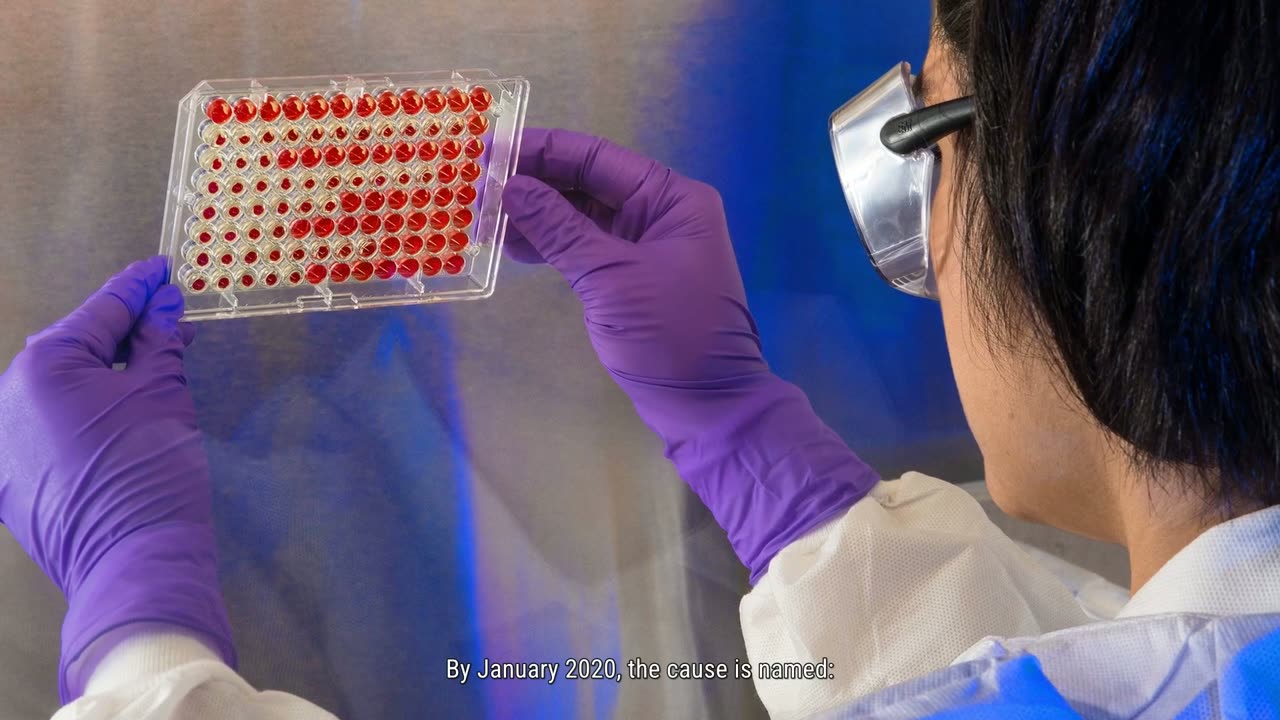
Real footage found on the internet for each sentence and cut to your narration, with what a documentary puts between the footage: real photographs, maps, figures on cards, and the real page behind a claim. Every candidate video is watched before anything is chosen from it, so the picture shows what the sentence says.
New accounts open soon. Ask us on WhatsApp.
- Shape
- 16:9
- Length
- up to 30 minutes
- Languages
- English only
How this style works
- Footage is searched for each sentence by what it says - real people, places, dates and events.
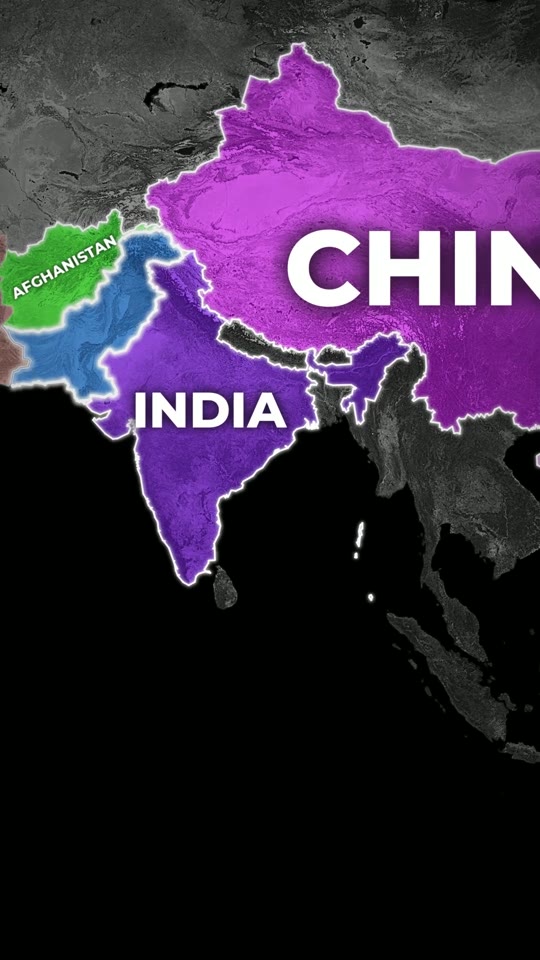
- A sentence with nothing filmable in it gets a map, a photograph or a card instead.
- Everything opens on a timeline, where you check each piece against its sentence before rendering.
What you give it
- A true story or a piece of history, in one line
- Or your own script, word for word
- Or your own voice recording
Best for
- History
- True stories
- News & events
- Money & business stories
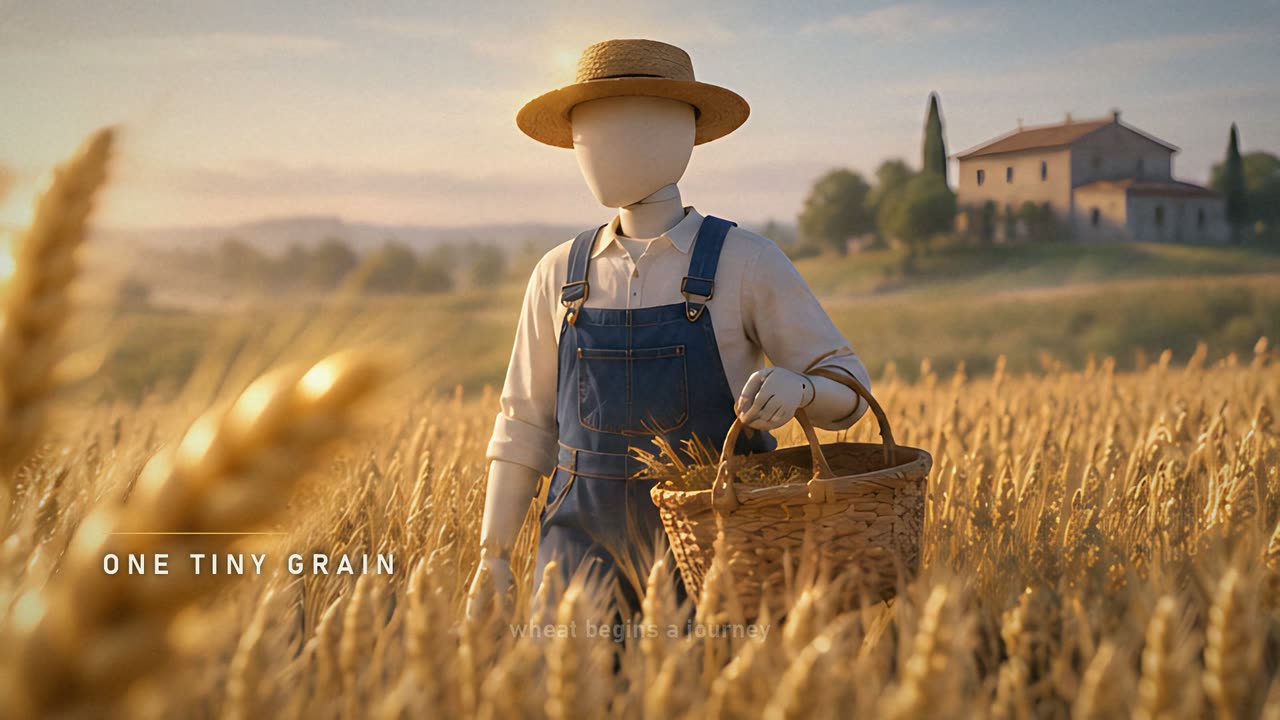
Opinions and abstractions have no footage to find. For general topics with footage that is free to use, see the Stock Footage Documentary. Stock Footage Documentary
It writes in English only. The footage belongs to the people who filmed it: whether a video made from it may be published on your channel is yours to check and to answer for.
From a line of text to a Documentary video
- 1
Choose a style
Pick how the video should look: a hand-drawn whiteboard, a real-footage documentary, an AI presenter, a vertical short. Every style shows a sample before you choose it.
- 2
Say what it is about
One line is enough - the script is written for you. Or paste your own script, upload your own voice recording, or bring your own footage or links, depending on the style.
- 3
Check the script and the credits
Read the script, change any line, pick the language and the narrator. You see exactly what the video takes before anything is made.
- 4
Get your video
VidGenius narrates, draws or finds every picture, adds captions and edits the video. Swap anything you do not like, render, and download a 1080p MP4.
Documentary: questions
Where does the footage come from?
It is found on the internet for each sentence of your script. What is found can be wrong - a namesake, another event - which is why every piece is shown on a timeline to check and swap before the video is rendered.
Which languages does it work in?
English only, for now.
Can I use my own script?
Yes. Paste it and it is kept word for word; nothing is rewritten.
How long does it take to make?
Minutes for most videos. A two-minute video is ready in about five minutes; longer videos, and formats that search for real footage, take longer.
What do I download?
A 1080p MP4, ready to upload. Download it to keep it: the studio holds a finished video for a few days, depending on your plan.
Make a Documentary video
Create a free account and look around the studio. You choose a plan when you make your first video.
New accounts open soon. Ask us on WhatsApp and we will tell you the day.