Lesson videos without a camera or a studio
A lesson explained with a drawing is a lesson remembered. VidGenius draws it: type the topic, or paste your own notes, and get a narrated video in which every idea is sketched as it is said.
New accounts open soon. Ask us on WhatsApp.
Explain with drawings
Whiteboard and Blackboard Animation draw each idea by hand while the narrator explains it. Cartoon Doodle adds characters, icons and big words.
Solve a question on the board
Chalkboard Lesson works through one question in coloured handwriting, a step at a time. Type the question or upload a photo of it.
Your words, your voice
Paste your own lesson and it is kept word for word - or record it yourself and the drawings are cut to your voice.
In your students' language
Narration and captions in sixteen languages, including Hindi, Urdu, Arabic, Spanish and French.
Styles that fit
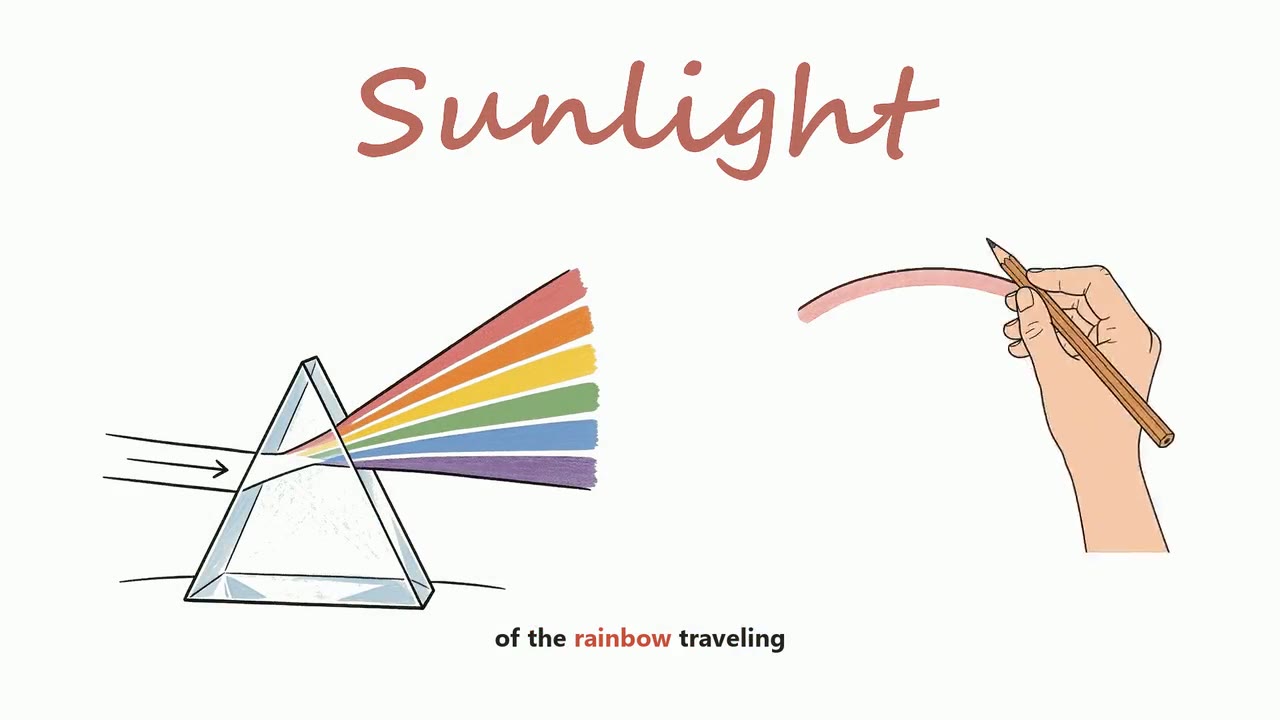
Whiteboard Animation
Drawn by hand, while you watch.
See the style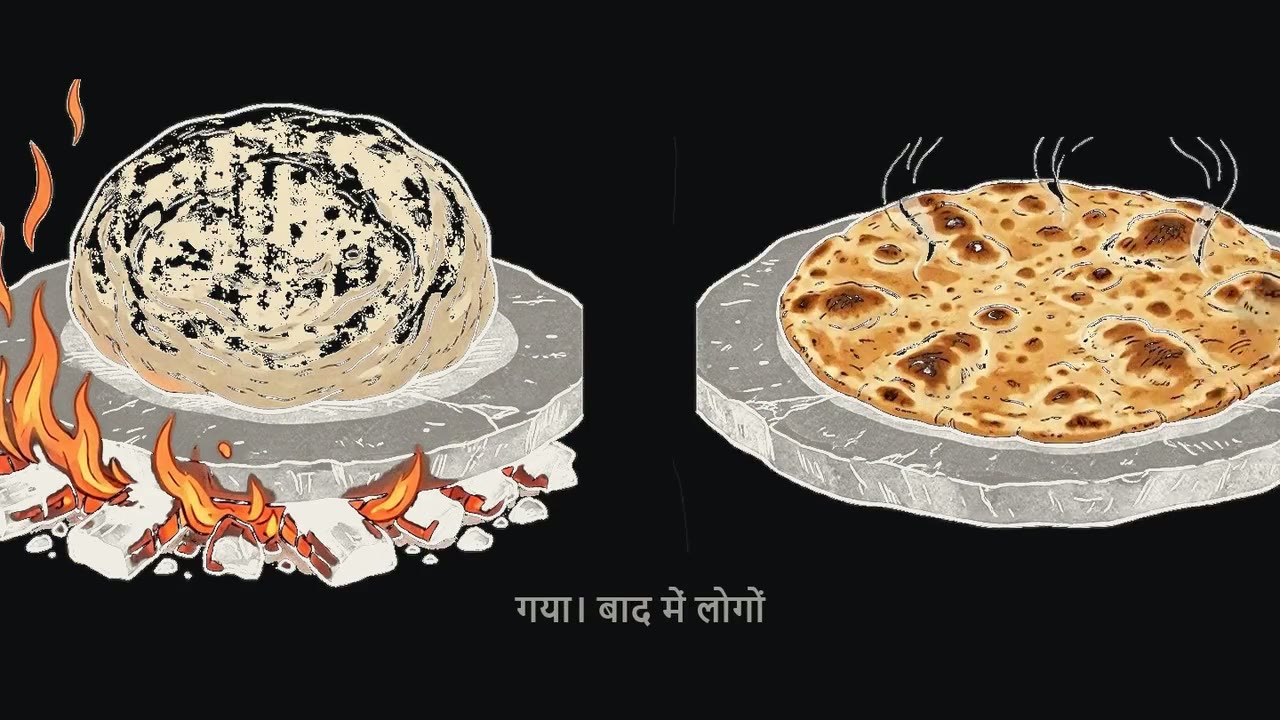
Blackboard Animation
Coloured pencil on a black board.
See the style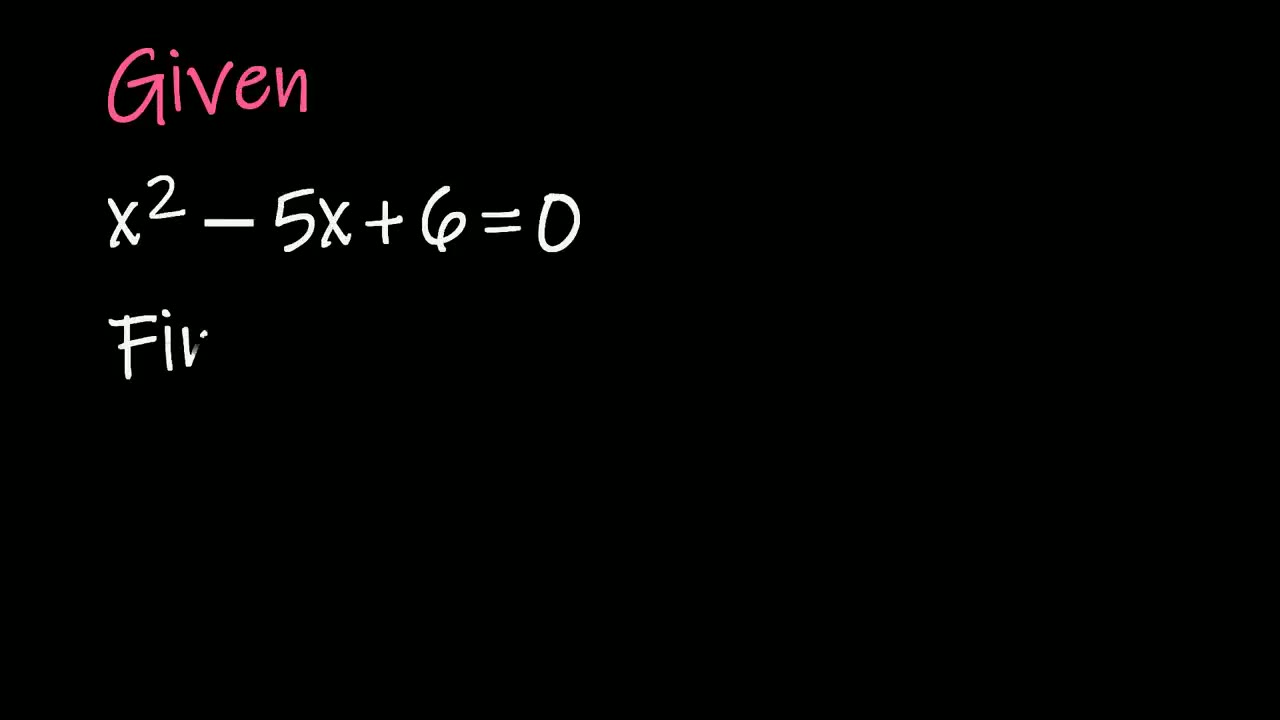
Chalkboard Lesson
A question solved step by step.
See the style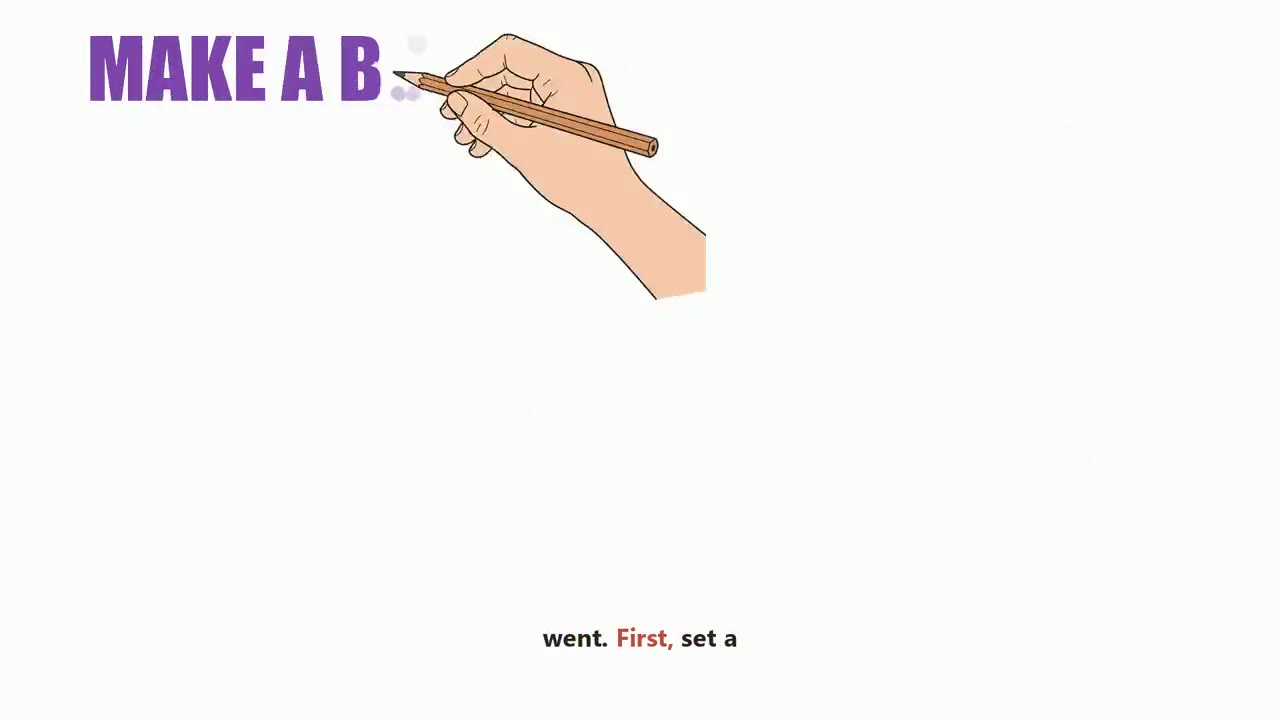
Cartoon Doodle
Characters, icons and big words.
See the style
Illustrated Story
One painted scene a page.
See the styleHow it works
- 1
Choose a style
Pick how the video should look: a hand-drawn whiteboard, a real-footage documentary, an AI presenter, a vertical short. Every style shows a sample before you choose it.
- 2
Say what it is about
One line is enough - the script is written for you. Or paste your own script, upload your own voice recording, or bring your own footage or links, depending on the style.
- 3
Check the script and the credits
Read the script, change any line, pick the language and the narrator. You see exactly what the video takes before anything is made.
- 4
Get your video
VidGenius narrates, draws or finds every picture, adds captions and edits the video. Swap anything you do not like, render, and download a 1080p MP4.
Questions, answered
Can I use my own lesson notes as the script?
Yes. Paste them as your own script and nothing is rewritten.
Can it explain maths?
Chalkboard Lesson is made for it: one question, worked through step by step on the board.
Type an idea. Get a finished video.
Create a free account and look around the studio. You choose a plan when you make your first video.
New accounts open soon. Ask us on WhatsApp and we will tell you the day.