Long-form style · 16:9 or 9:16
A presenter for your video, without a camera
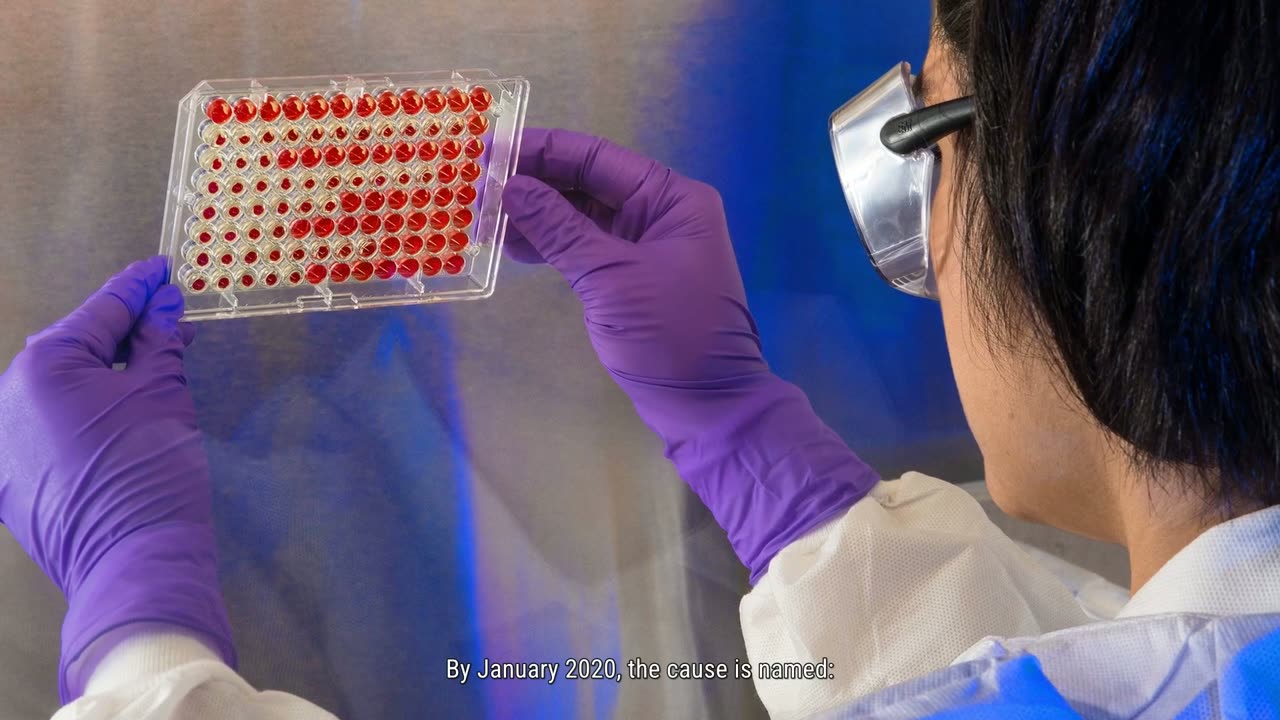
A real-looking person opens the video and talks straight to camera, then it cuts to photographs made for the exact words being said - a new one every few seconds, moving gently, with the words lit on screen as they are spoken. Pick the face, how long they talk, and how often they come back.
New accounts open soon. Ask us on WhatsApp.
- Shape
- 16:9 or 9:16
- Length
- up to 25 minutes
- Languages
- 16 languages
- Captions
- The words, lit as they are spoken
How this style works
- Choose one of 19 presenters by their picture.
- Set how long they talk each time and how often they return to camera.
- Between appearances, photographs made for the words carry the story.
What you give it
- A topic in one line
- Or your own script, word for word
- Or your own voice recording
Best for
- Health
- Money
- Tips & habits
- Explainers
- Any niche
For a video with nobody on camera at all, a drawn style such as Whiteboard Animation costs fewer credits. Whiteboard Animation
From a line of text to a AI Presenter video
- 1
Choose a style
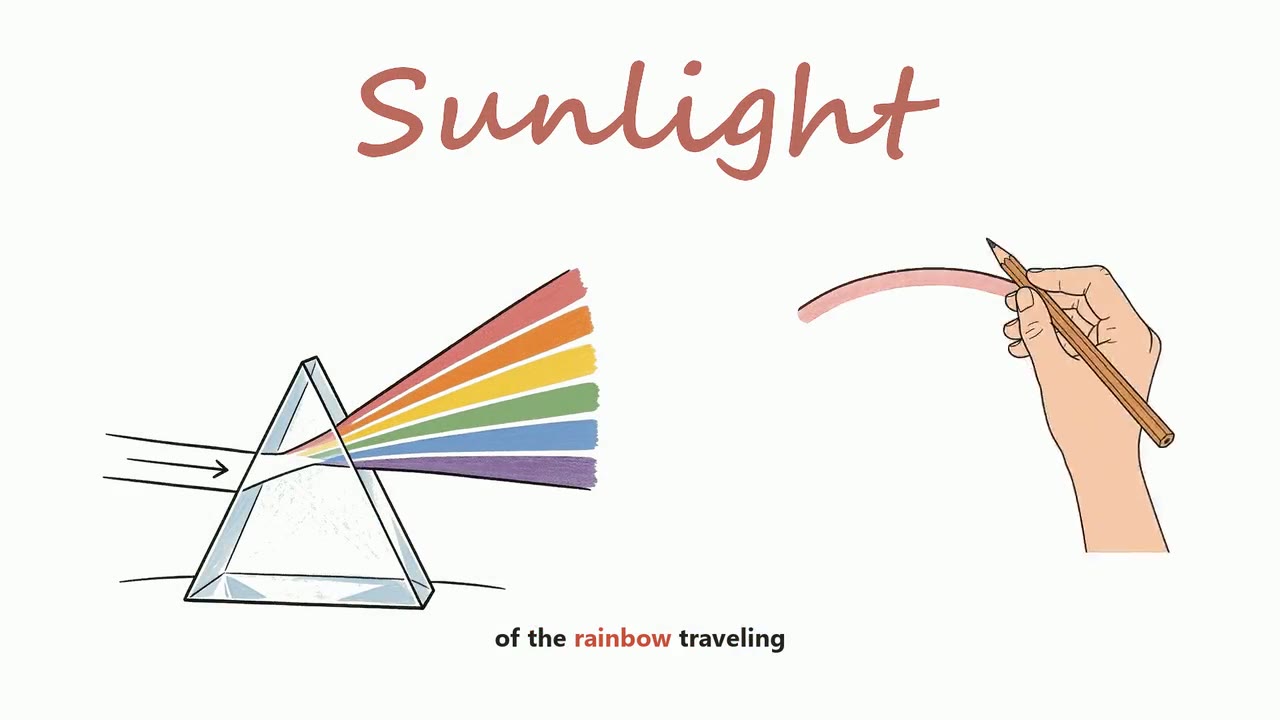
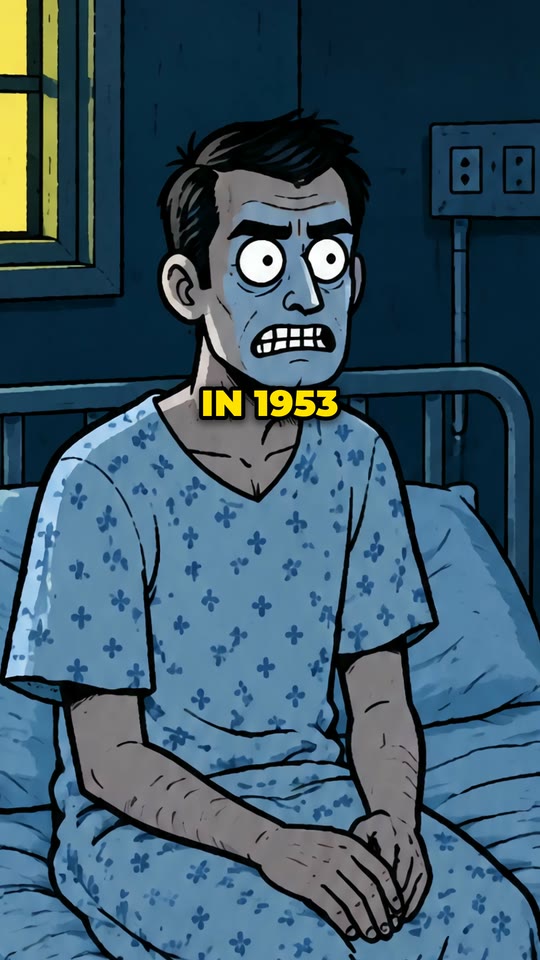
Pick how the video should look: a hand-drawn whiteboard, a real-footage documentary, an AI presenter, a vertical short. Every style shows a sample before you choose it.
- 2
Say what it is about
One line is enough - the script is written for you. Or paste your own script, upload your own voice recording, or bring your own footage or links, depending on the style.
- 3
Check the script and the credits
Read the script, change any line, pick the language and the narrator. You see exactly what the video takes before anything is made.
- 4
Get your video
VidGenius narrates, draws or finds every picture, adds captions and edits the video. Swap anything you do not like, render, and download a 1080p MP4.
AI Presenter: questions
Is the presenter a real person?
No. The presenter is generated, and so is the voice. Nobody was filmed.
Can the presenter speak in my own voice?
The presenter's voice is matched to the face by default; you can choose the narrator yourself, or have the video narrated from your own recording.
Can I use my own script?
Yes. Paste it and it is kept word for word; nothing is rewritten.
How long does it take to make?
Minutes for most videos. A two-minute video is ready in about five minutes; longer videos, and formats that search for real footage, take longer.
What do I download?
A 1080p MP4, ready to upload. Download it to keep it: the studio holds a finished video for a few days, depending on your plan.
Make a AI Presenter video
Create a free account and look around the studio. You choose a plan when you make your first video.
New accounts open soon. Ask us on WhatsApp and we will tell you the day.