Tools · Clipping
Turn one long video into a week of shorts
Drop in a long video - a podcast, an interview, a stream, a lesson - and the Clipping tool hands back the moments that work as shorts: found by watching the video itself, cut on the edge of a word, made tall on whoever is speaking, and captioned.
New accounts open soon. Ask us on WhatsApp.
It watches the video
The moments are chosen by what is seen and heard, not from a transcript alone - and each comes with a title and the words for the screen.
Cut on a word, not a second
A clip begins and ends in the silence around a word, so nothing starts mid-sentence.
Framed for the phone
A wide picture is made tall on whoever is speaking: one face followed by a steady camera, two people stacked one above the other.
Captions and a hook
The words appear a few at a time with the one being spoken lit, and the first seconds carry the hook.
What it takes, what it gives
- From a YouTube link or your own file (MP4, MOV, MKV, WEBM or M4V, up to 2 GB)
- Videos from 45 seconds to 3 hours
- Shorts in 9:16, 1:1 or 16:9
- As many clips as you ask for, or let it choose - usually 3 to 10
- Clips of 10 to 90 seconds
- A clip's captions can be put in another language afterwards
Three steps
- 1
Paste a link or choose a file
The video is read: its title, its length, and what clipping it takes.
- 2
Choose the shape and the count
9:16, 1:1 or 16:9; how many clips and how long - or leave both to it.
- 3
Download your shorts
Each clip arrives cut, framed, captioned and named.
Clipping: questions
Does the video have to be mine?
It has to be yours, or yours to use - the tool asks you to confirm that before it starts.
How many shorts will I get?
As many as you ask for, or it decides by the video's length: a longer video holds more good moments.
Can it clip a video that is not on YouTube?
Yes. Download it and choose the file.
Shorts made from scratch
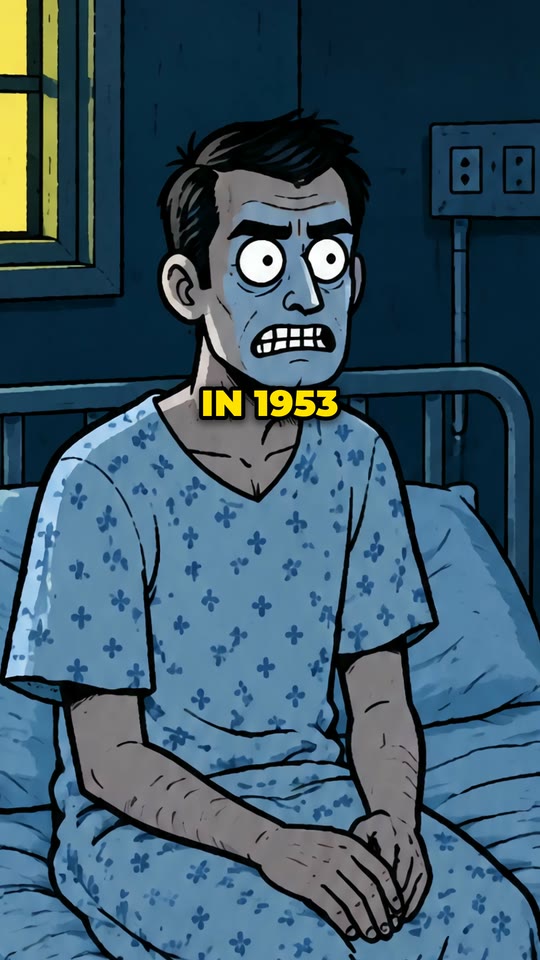
AI Video
Shorts in any style, a picture on every phrase.
See the style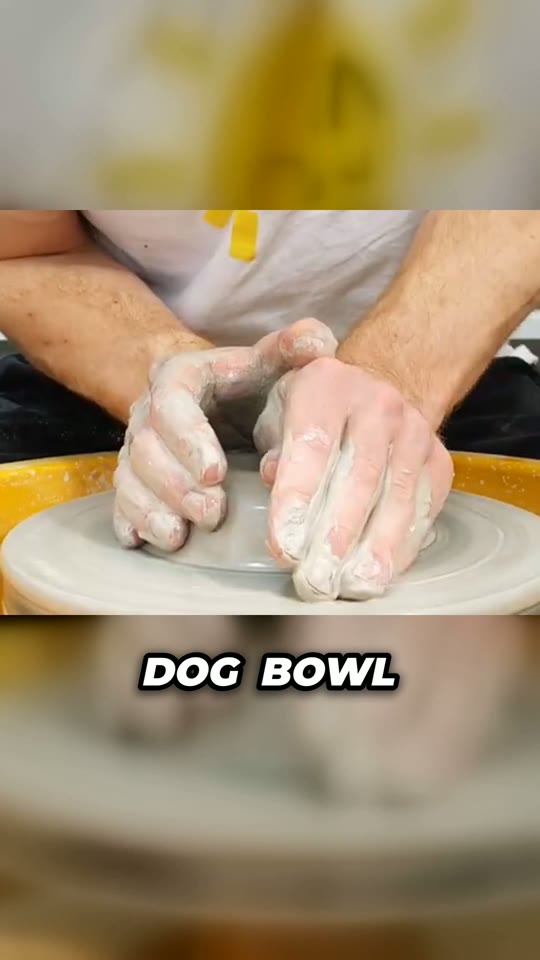
Commentary
Your footage, a voice, and a cut that does not let go.
See the style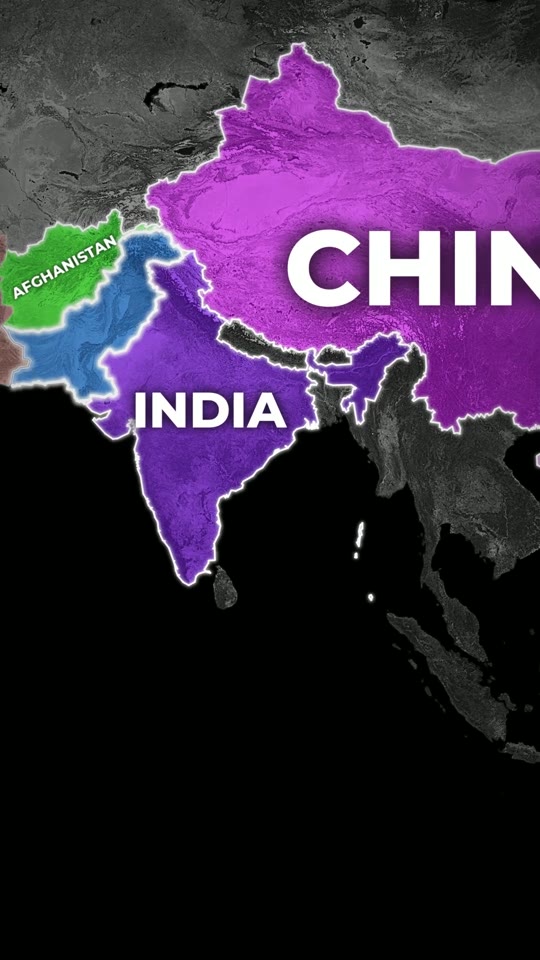
2D Map Animation
Real borders, lit up as they are named.
See the style
Roblox Rant
A rant over your gameplay.
See the style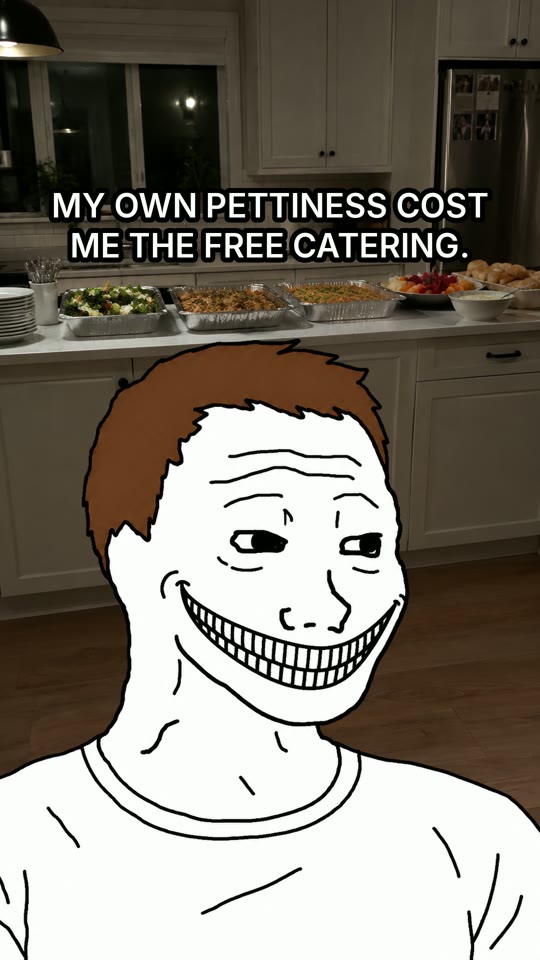
Wojak Story
A real event, told by two meme faces.
See the styleType an idea. Get a finished video.
Create a free account and look around the studio. You choose a plan when you make your first video.
New accounts open soon. Ask us on WhatsApp and we will tell you the day.