Short-form style · 9:16
Your footage, cut into a short with commentary
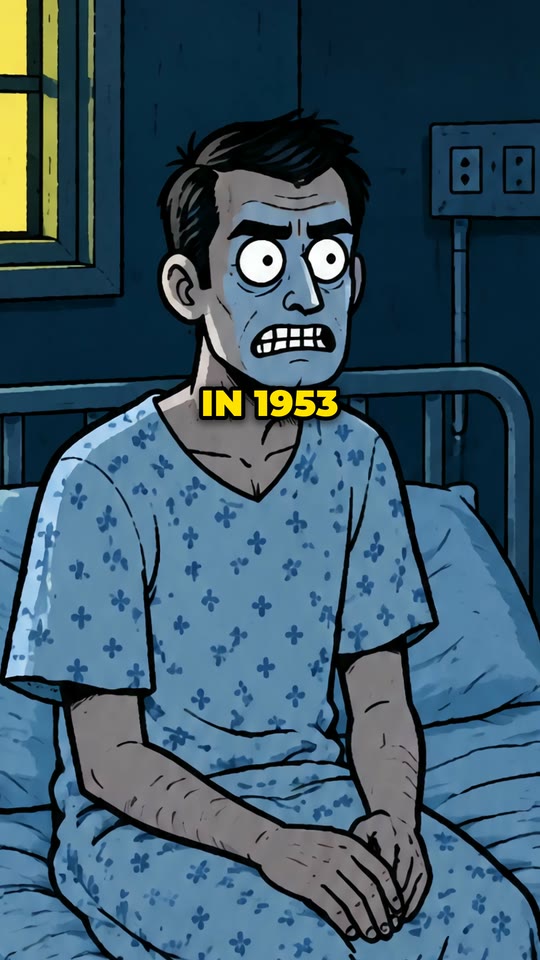
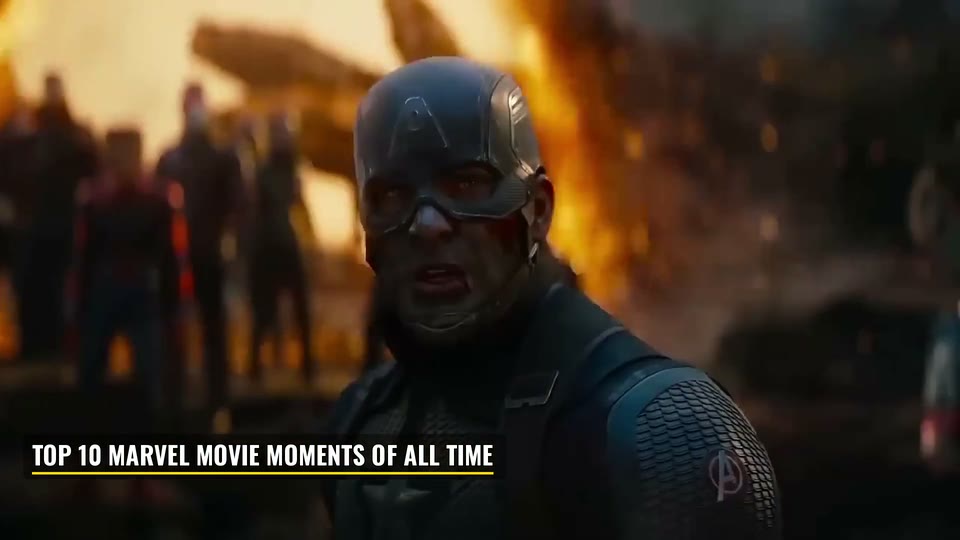
Your own footage, cut fast to a voice that tells its story: a hook in the first second, a new shot on every few words, arrows and circles on what matters, the key words in colour, and the sounds such a cut comes in on. The video is watched first, and the commentary is written from what is actually in it.
New accounts open soon. Ask us on WhatsApp.
- Shape
- 9:16
- Length
- up to 3 minutes
- Languages
- 16 languages
- Captions
- Key words in colour
How this style works
- Upload one video of your own - how something is made, a repair, a trip, a process.
- It is watched, and a commentary is written from what it really shows.
- The cut follows the words: a turn every few seconds and a payoff that answers the hook.
What you give it
- One video file of your own
- A line on what it is and what to say about it
- Or your own narration, word for word
Best for
- How it's made
- Repairs and builds
- Process videos
- Shorts, Reels and TikTok
It needs your own footage. With no footage at all, the AI Video style draws the short for you. AI Video
From a line of text to a Commentary video
- 1
Choose a style
Pick how the video should look: a hand-drawn whiteboard, a real-footage documentary, an AI presenter, a vertical short. Every style shows a sample before you choose it.
- 2
Say what it is about
One line is enough - the script is written for you. Or paste your own script, upload your own voice recording, or bring your own footage or links, depending on the style.
- 3
Check the script and the credits
Read the script, change any line, pick the language and the narrator. You see exactly what the video takes before anything is made.
- 4
Get your video
VidGenius narrates, draws or finds every picture, adds captions and edits the video. Swap anything you do not like, render, and download a 1080p MP4.
Commentary: questions
Is my video's own sound used?
No. The footage plays under a new voice and its own sound is left out.
Does it invent facts about my footage?
No. It says what the footage shows, and any facts you want mentioned are the ones you give it.
How long does it take to make?
Minutes for most videos. A two-minute video is ready in about five minutes; longer videos, and formats that search for real footage, take longer.
What do I download?
A 1080p MP4, ready to upload. Download it to keep it: the studio holds a finished video for a few days, depending on your plan.

Make a Commentary video
Create a free account and look around the studio. You choose a plan when you make your first video.
New accounts open soon. Ask us on WhatsApp and we will tell you the day.