
A doctor, in Urdu
An AI presenter explaining a health topic in natural Urdu.
AI video maker for YouTube, Shorts, Reels and TikTok
VidGenius writes the script, narrates it, draws or finds every picture, adds the captions and edits the video. Pick one of 18 styles, from whiteboard animation to real-footage documentaries, and download an MP4 that is ready to upload.
New accounts open soon. Ask us on WhatsApp and we will tell you the day.
Every shot here came out of VidGenius.
What it is
You do not get a template to fill in or a timeline to learn. You say what the video is about, and VidGenius does the work of a writer, a narrator, an illustrator and an editor - in minutes.
Pick how the video should look: a hand-drawn whiteboard, a real-footage documentary, an AI presenter, a vertical short. Every style shows a sample before you choose it.
One line is enough - the script is written for you. Or paste your own script, upload your own voice recording, or bring your own footage or links, depending on the style.
Read the script, change any line, pick the language and the narrator. You see exactly what the video takes before anything is made.
VidGenius narrates, draws or finds every picture, adds captions and edits the video. Swap anything you do not like, render, and download a 1080p MP4.
Styles
Every card is a real sample from the studio. Hover or tap to play.
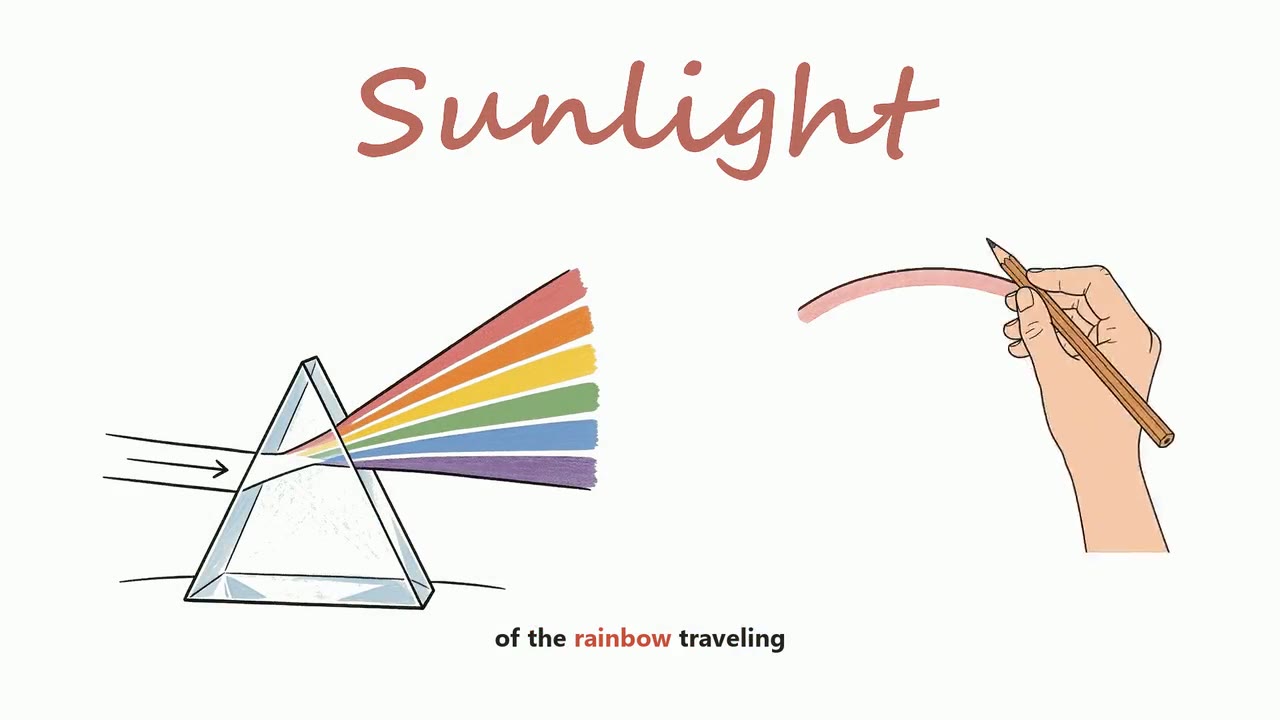
Drawn by hand, while you watch.
See the style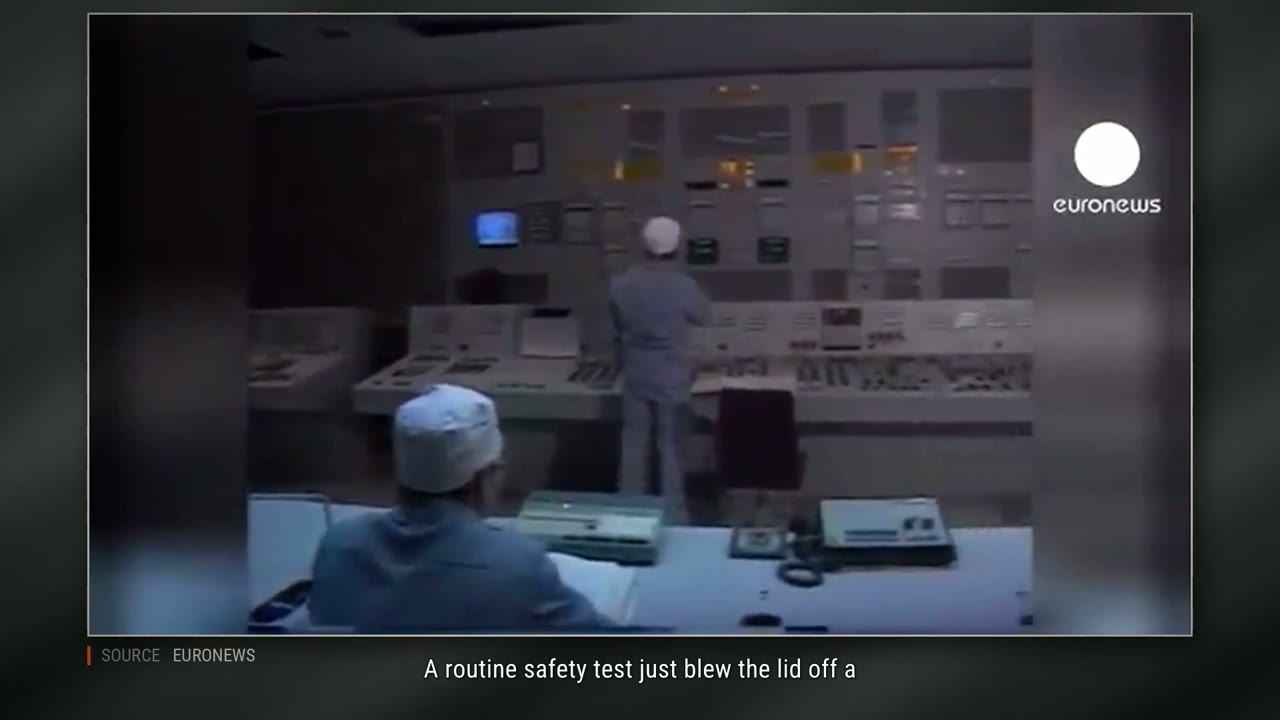
Real footage, real photographs, real pages.
See the style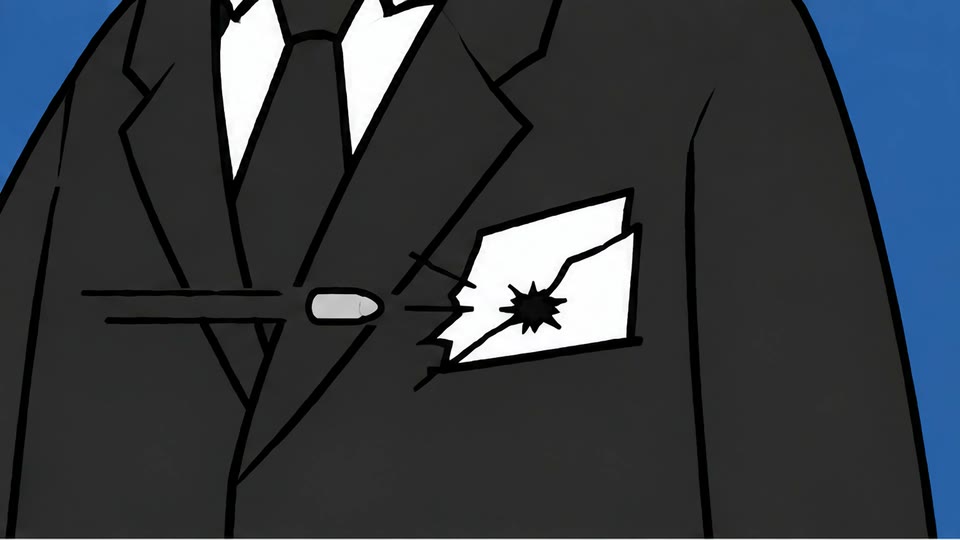
A new picture every two seconds.
See the style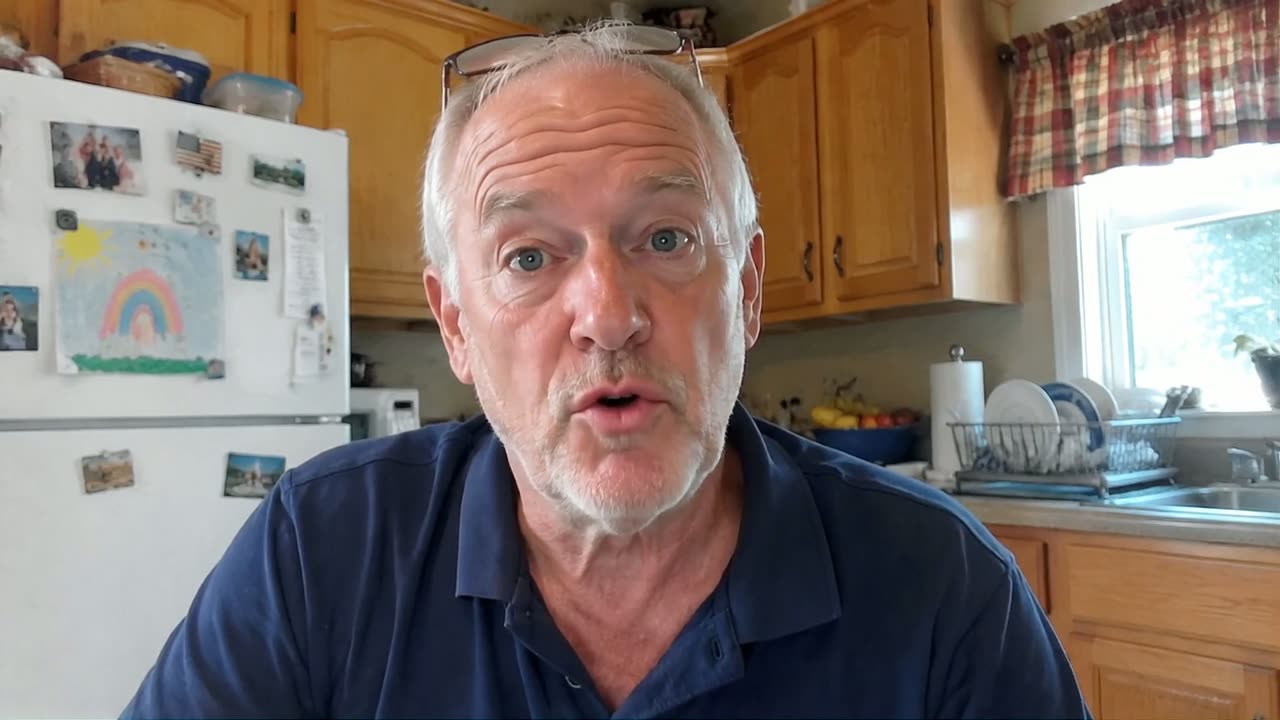
A face people trust, then the pictures do the talking.
See the style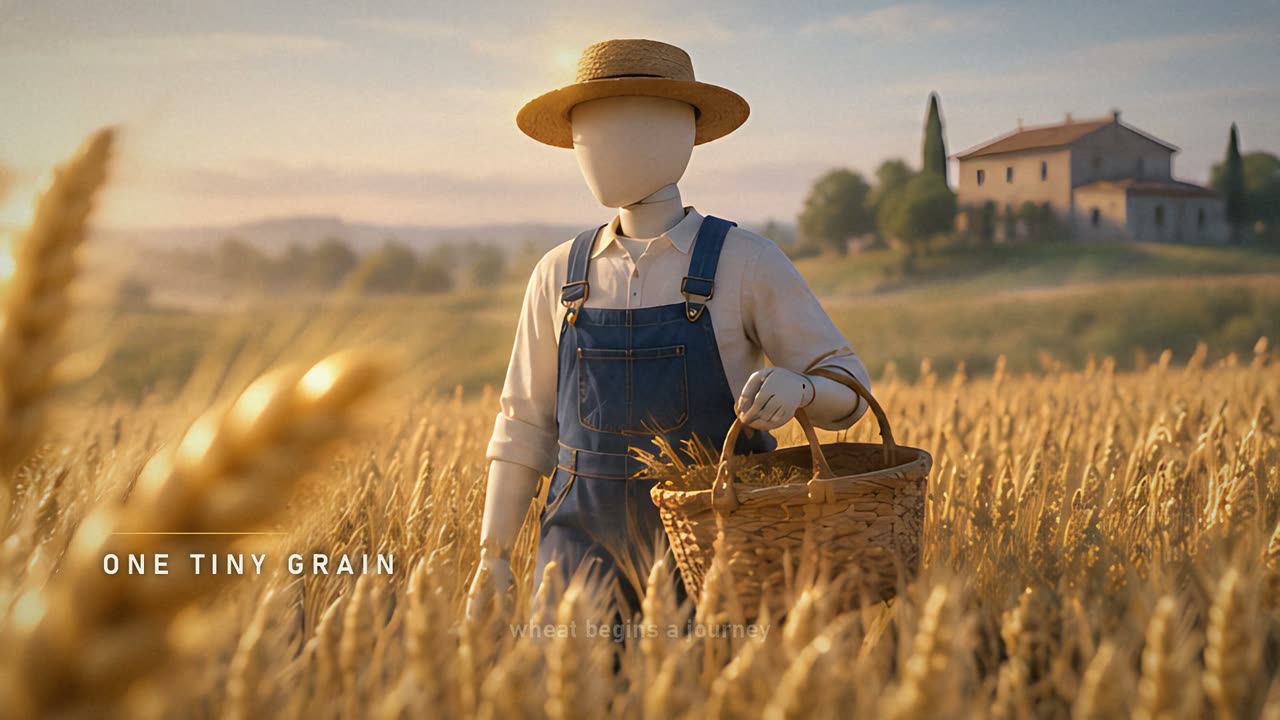
Held, not cut. The camera does the moving.
See the style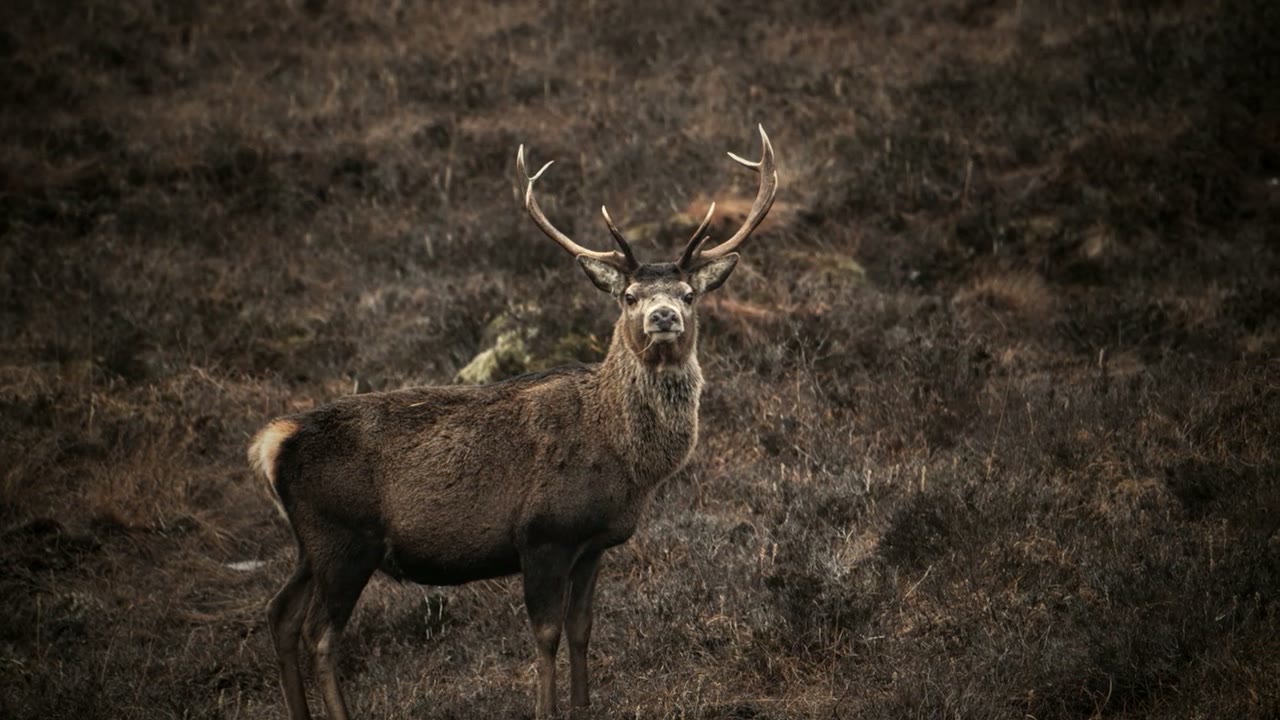
A calm voice over slowly drifting photographs.
See the style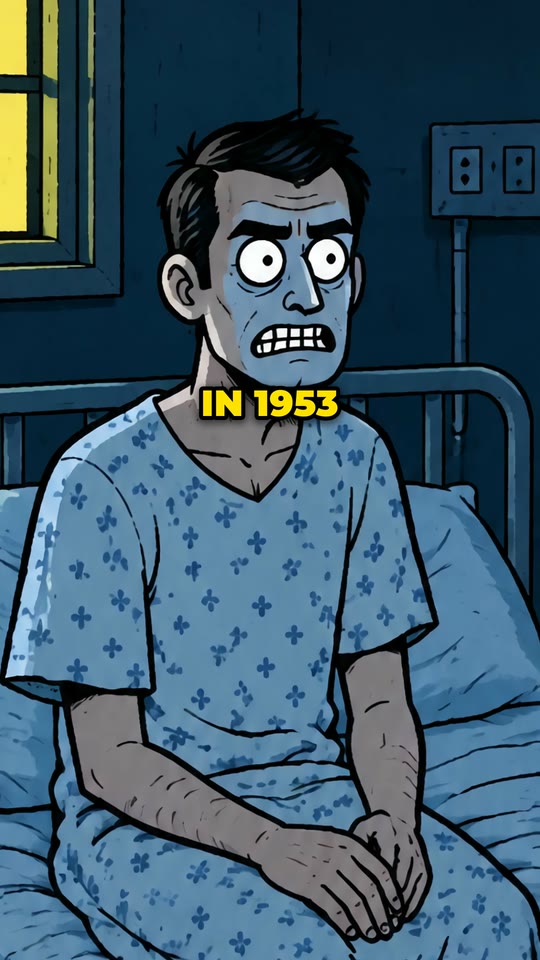
Shorts in any style, a picture on every phrase.
See the style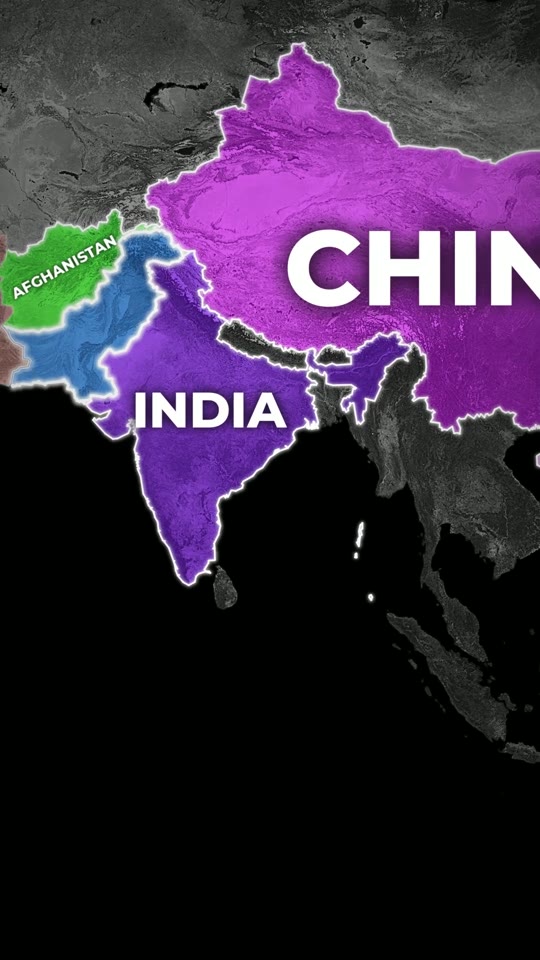
Real borders, lit up as they are named.
See the style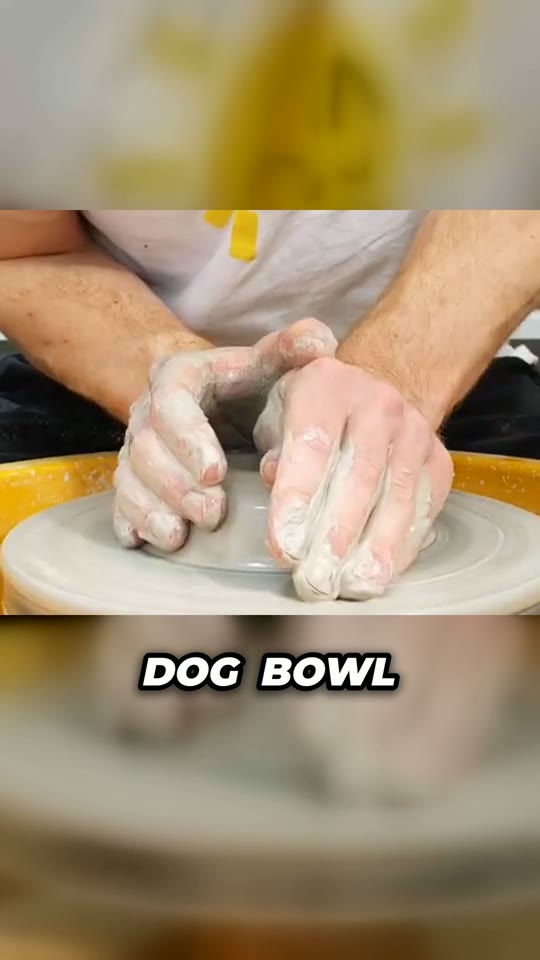
Your footage, a voice, and a cut that does not let go.
See the style
A rant over your gameplay.
See the style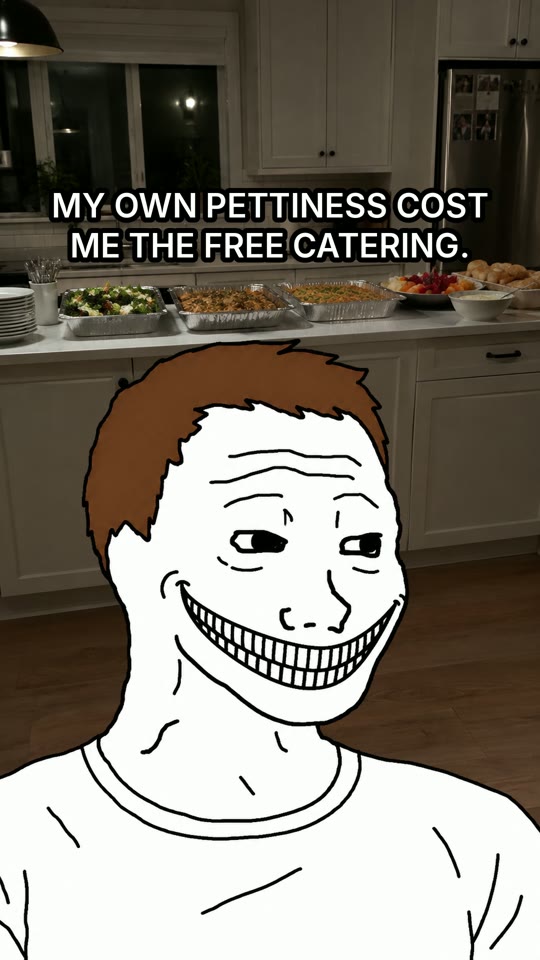
A real event, told by two meme faces.
See the styleWhat is done for you
Writing, voice, pictures or footage, captions and the edit, in one go.
From a 30-second short to a 30-minute video - and sleep stories up to two hours.
Narration and captions in sixteen languages, with natural voices for each.
Paste your own script, or upload your own recording and the video is cut to it.
Every video shows what it takes up front. Nothing runs until you say go.
Swap a picture or a clip, change a line or the narrator, and render again.
Titles, a description with chapters, tags and a thumbnail can be written for each video.
Nothing to install. Open it on any computer and start.
Languages
Narration and captions in sixteen languages, with natural voices to choose from in each: young or old, calm or bold. Or narrate it yourself - upload your recording and the video is cut to your voice.
An AI presenter explaining a health topic in natural Urdu.
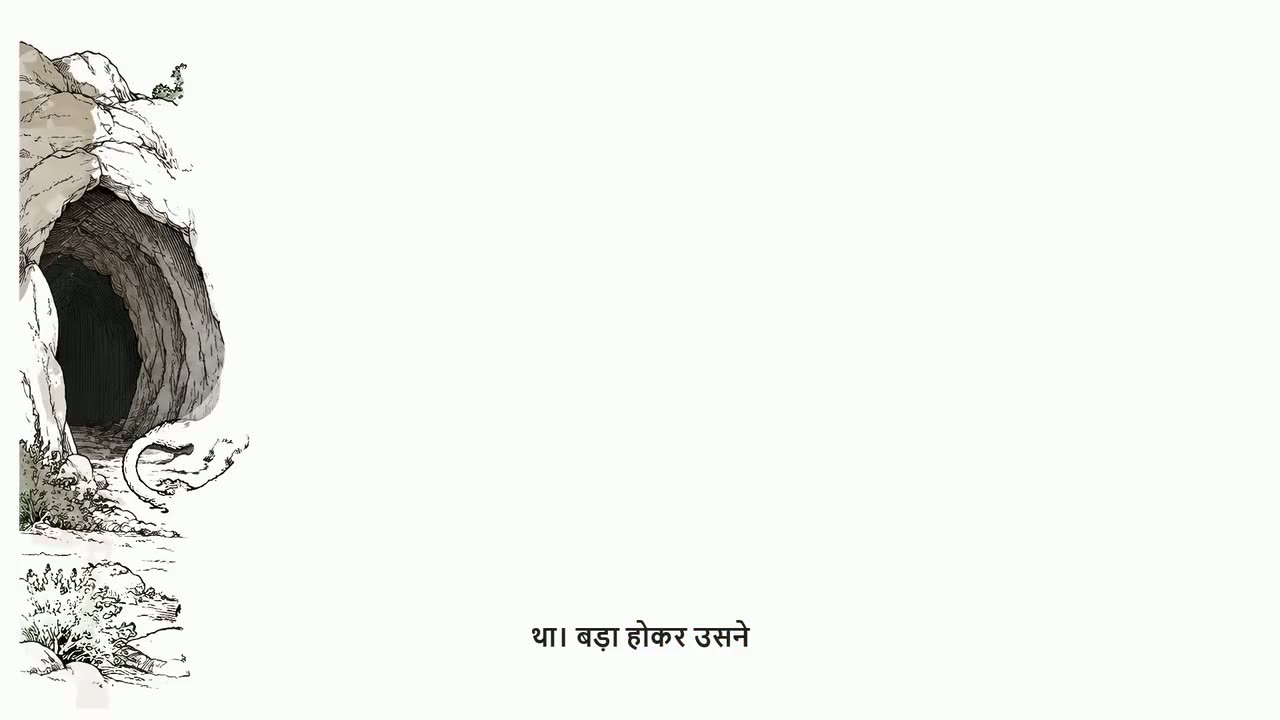
A hand-drawn story with Hindi narration and captions.
Made for
Pick one style and stay with it: whiteboard for explainers, a documentary for history, 3D mannequins for true stories, a calm sleep story. Viewers come back to a look they know.
Read moreAI Video draws a short in the look you choose, with a new picture on every phrase and big captions mid-screen. 2D Map Animation tells geography on a real map.
Read moreWhiteboard and Blackboard Animation draw each idea by hand while the narrator explains it. Cartoon Doodle adds characters, icons and big words.
Read moreThe Documentary style searches for footage for each sentence, and puts photographs, maps, figures and real pages between. You check every piece on a timeline before rendering.
Read moreTools
The Clipping tool watches a long video, finds the moments that work as shorts, cuts each on the edge of a word, frames it tall on whoever is speaking, and captions it.
Pricing
Create a free account and look around the studio before you pay. You choose a plan only when you make your first video.
VidGenius is an online studio that makes finished videos from an idea. You type a topic or paste a script, choose one of 18 styles and a voice, and it writes, narrates, illustrates and edits the whole video. You download a 1080p MP4 that is ready to upload.
A studio that opens in your browser, with nothing to install, and credits every month to make videos with. Each video comes with its script, narration, pictures or footage, captions and the edit done.
No. If you can type a sentence, you can make a video. You can still change a line, a picture or a clip before the final render if you want to.
Nineteen: drawn styles such as whiteboard, blackboard, stickman and cartoon doodle; documentaries made of real footage, free-to-use stock footage or 3D mannequin scenes; an AI presenter; sleep stories up to two hours; and vertical shorts such as AI Video, map animation and commentary. See every style.
Yes. Paste your script and it is kept word for word. In most styles you can also upload your own voice recording, and the video is cut to it.
Sixteen: English, Hindi, Urdu, Arabic, Spanish, French, Portuguese, German, Turkish, Indonesian, Russian, Bengali, Tamil, Chinese, Japanese and Korean - with a wide choice of natural voices. A few formats work in English only; each style's page says so.
Minutes. A two-minute video is ready in about five minutes, and a ten-minute one in about a quarter of an hour. Formats that search for real footage take longer than drawn ones.
A video takes credits by its length - for most styles about one credit a minute - and some formats and options take more. The studio shows the exact credits before you start, so there are no surprises. A plan's credits are for its month.
Create a free account and look around the studio. You choose a plan when you make your first video.
New accounts open soon. Ask us on WhatsApp and we will tell you the day.