Guide · 5 minute read
How to Make a Whiteboard Animation Video
A whiteboard video works because the viewer watches an idea being drawn while it is explained. You do not need to draw - but the script has to give the pen something to draw. Here is how to write it and how to make it.
1. Write sentences that can be drawn
Every sentence of a whiteboard script becomes a drawing, so every sentence needs a thing in it: an object, a person doing something, a small scene. Compare:
- "Inflation erodes purchasing power over time." - nothing to draw.
- "A loaf of bread that cost one coin now costs three." - a loaf, one coin, three coins.
Say the same thing the second way. If a sentence is abstract, add the example that makes it concrete.
2. Keep it to one idea a sentence
A minute of narration is roughly 140 to 160 words. A five-minute video is therefore about 750 words - around fifty sentences, around fifty drawings. One idea a sentence keeps the drawing and the voice together.
3. Choose how full a page is
In VidGenius you choose the page's shape: two drawings a page (the usual), four, or one full scene. More on a page is calmer; a full scene for every sentence is richer and takes more credits.
4. Choose the voice, the language and the captions
Pick a narrator who fits the subject - a calm voice for a lesson, a livelier one for a money explainer. The video can be narrated and captioned in sixteen languages. If you would rather narrate it yourself, upload your recording and the drawings are cut to your voice.
5. Read the script, then make it
You see the script before anything is drawn. Change any line, then press make. The hand draws each picture as its sentence is said, and colour washes in behind the lines.
6. Fix a drawing before you render
If one drawing is not what you meant, have it drawn again - you do not have to remake the video. Then render and download the MP4.
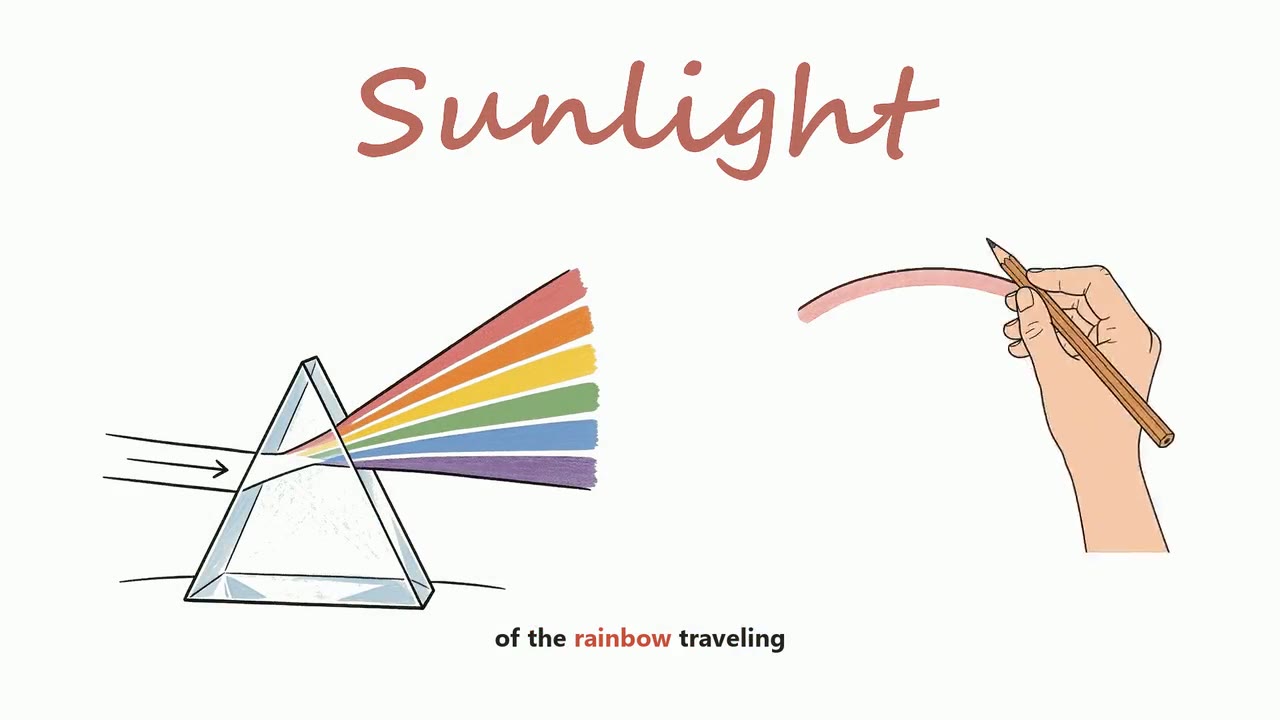
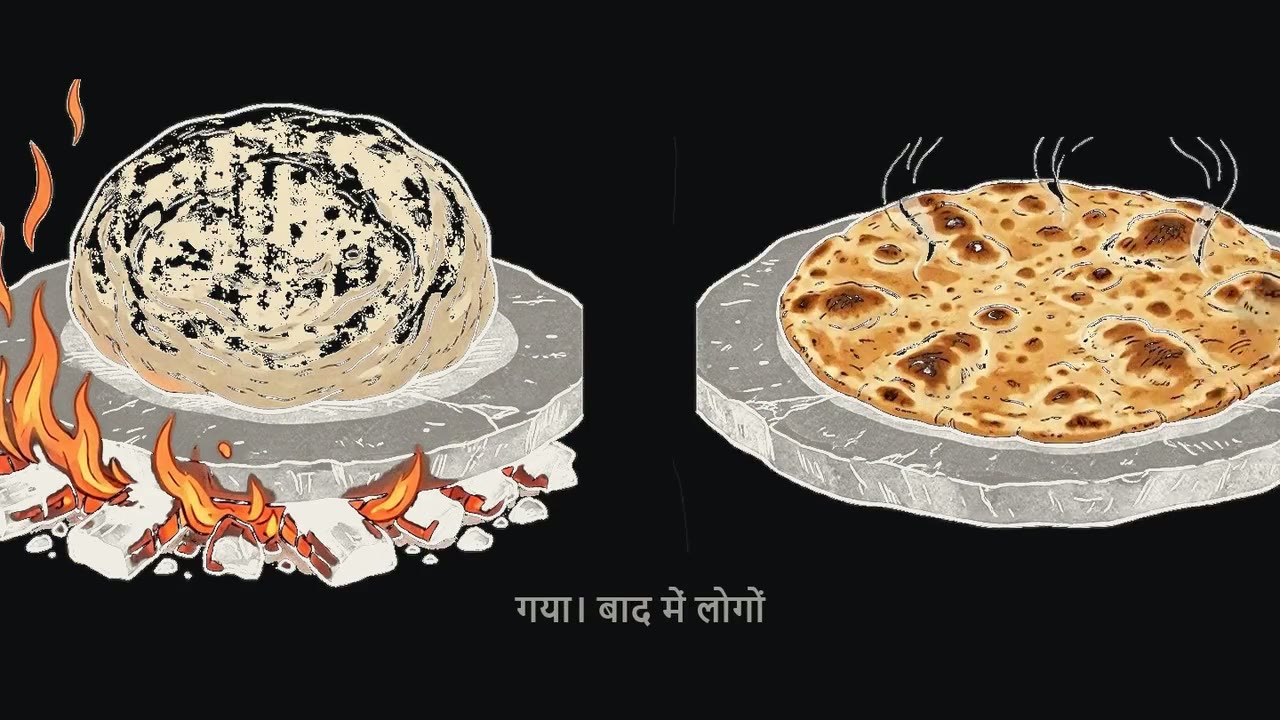
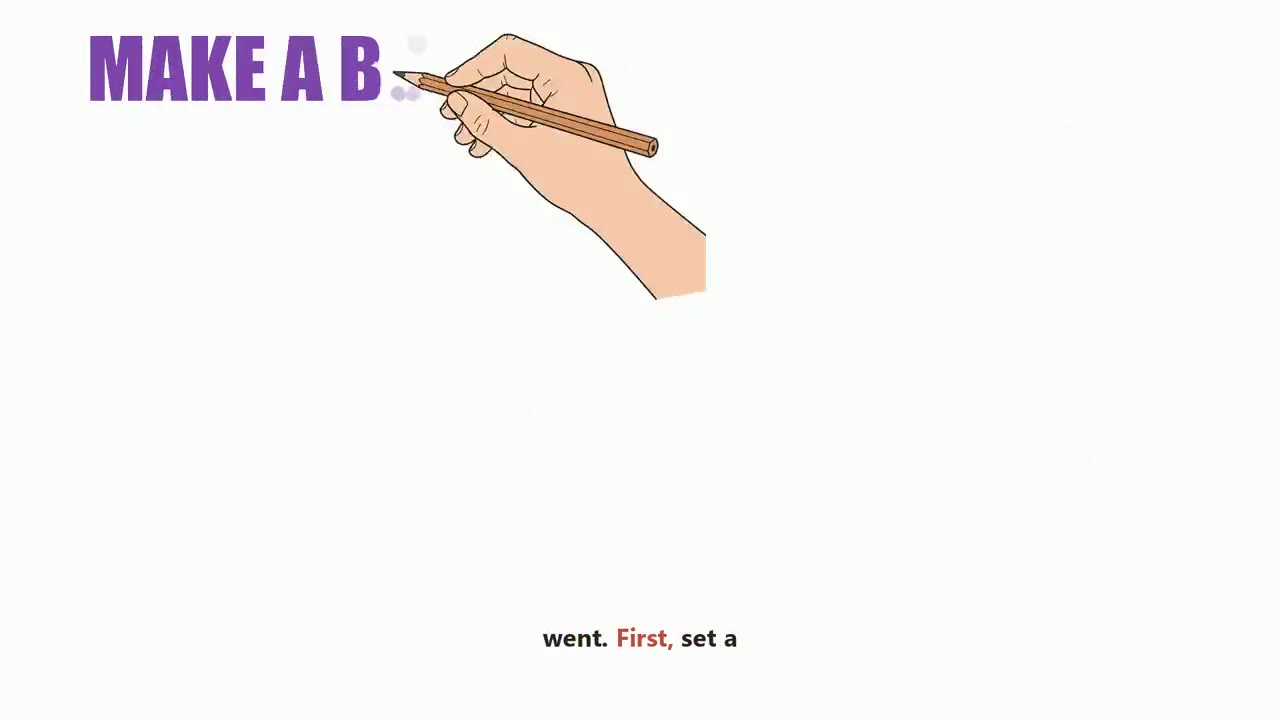
Whiteboard, blackboard or doodle?
The same script works in three looks. Whiteboard Animation is black pen on white - the classic explainer. Blackboard Animation is coloured pencil on a dark board, good for science and history. Cartoon Doodle adds characters, icons and big lettered words, for business and self-help.